Integrations Guide
Couldn't understand how? We are here to help you!
It's not that hard to manage your data, know when and how it starts working, and not. Our storylane tutorials and guides are here to help you with your journey!
Various integration solutions are just a guide away.
- White Papers
- Video Tutorials
BigQuery
BigQuery Integration
BigQuery integration enables fast, efficient analysis of large datasets using Google Cloud's scalable data warehouse. It supports easy data loading, and visualization.
Watch Guide
Firebase
Transfer FireBase Data to BigQuery
Transfer Firebase data to BigQuery enables fast, efficient analysis of large datasets using Google Cloud's scalable data warehouse.
Watch Guide
Firebase
Firebase Integration
Firebase integration enables fast, efficient analysis of app data using Google Cloud's scalable tools. It supports real-time data syncing, user authentication, and analytics.
Watch Guide
Service Account Key
Service Account and Key Creation for BigQuery
Service account and key creation for BigQuery enables secure, programmatic access to Google Cloud's scalable data warehouse.
Watch Guide
Google Cloud
Configure OAuth consent screen and Create a client ID
Configuring the OAuth consent screen and creating a client ID allows secure user authentication for applications accessing Google Cloud services.
Watch Guide
Google Ads
Google Ads Account and API Center — Set up a Google API Console
Setting up a Google API Console for Google Ads Account and API Center enables secure access and management of your ad campaigns.
Watch Guide
BigQuery
Setup BigQuery Account
Set up your BigQuery account to enable secure access and management of your data warehouse for analysis and reporting.
Watch Guide
Google Analytics
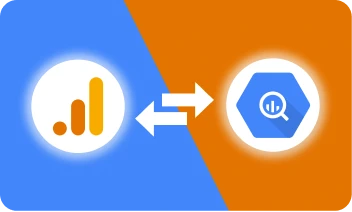
Transfer Google Analytics to BigQuery
Transfer Google Analytics data to BigQuery for fast, efficient analysis of large datasets using Google Cloud's scalable data warehouse.
Watch Guide